
Williation guide
What Happens To Your Online Accounts After Death?
Online accounts do not automatically become easy for your family to access. Each provider has its own rules, and privacy law often prevents companies from simply handing over emails, files, or account contents. The safest plan is to prepare trusted contacts, official legacy tools, and a clear digital legacy vault before anyone needs it.
Start with the real problem
Online account access after death is not only a technical subject. It becomes personal when a family needs to find an account, a renewal, a document, or a simple instruction at the wrong moment. Most people do not lose information because they are careless. They lose it because modern life is spread across phones, laptops, cloud drives, browser profiles, email inboxes, paper folders, banking apps, hosting panels, and old messages. A family may know that an account exists, but still have no legal or technical route into it.
The practical answer is to make a calm inventory while life is normal. That inventory should not be a messy note full of plain passwords. It should explain what exists, why it matters, who may need it, and what should happen next. This is where digital legacy planning becomes useful. It turns private knowledge into clear guidance without giving everyone full access today.
Make a simple map first
Start by listing the accounts that would matter most if your family had to act without you. A map is easier to maintain than a pile of urgent notes. Create groups for personal accounts, financial references, family records, property documents, domains, hosting, subscriptions, social accounts, and important contacts. Do not try to finish everything in one evening. The first goal is to remove mystery. A trusted person should be able to understand the shape of your digital life even if they cannot access every item immediately.
A useful map includes the service name, the reason it matters, the owner email, renewal dates, payment method notes, recovery routes, and the person who should be contacted if help is needed. For high risk records, include instructions without exposing secrets too casually. For example, write where the recovery code is stored rather than placing it in an unprotected document.
Separate access from explanation
A common mistake is to treat a password list as the full plan. It is not. Access and explanation are different things. A password might open an account, but it does not explain whether the account is still active, whether a subscription is important, whether a domain supports a live business, or whether a document is only an old copy.
Good planning gives your family context. It says which account matters, what the account is used for, what should be renewed, what can be cancelled, and which person understands it. This is especially important for website owners and small business owners because a domain, VPS, DNS zone, email address, Stripe account, or API key can affect income and customer trust.
Use trusted contact rules carefully
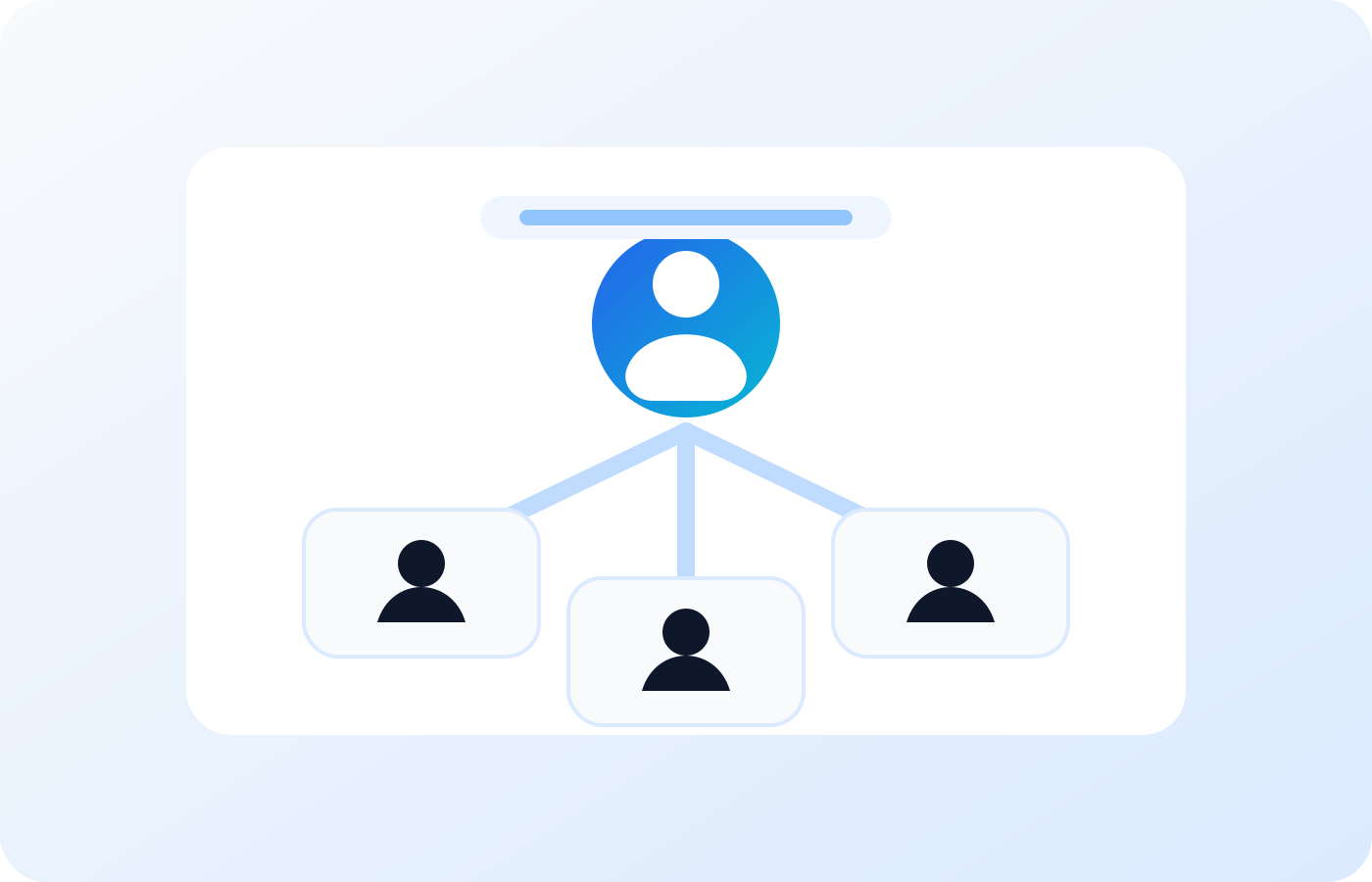
A spouse may need bills, a child may need photos, and a business partner may need domain or hosting details. The safest approach is not to give one master password to everyone. It is better to choose trusted contacts, give each person a unique share code, record their relationship, and keep emergency access read-only unless there is a very specific reason to do more.
Read-only access matters because it lets a trusted person view and download what they need while protecting the original vault from accidental edits. It also keeps the owner in control during normal life. If emergency access is ever requested, the process should be logged, delayed where appropriate, and clear enough that no one is guessing under stress.
Use official account tools where they exist
Some major platforms provide their own planning tools. Google has Inactive Account Manager. Apple has Legacy Contact. Microsoft explains digital legacy options for OneDrive and has separate rules for account access after death. Facebook has memorialization processes. These tools are useful, but each one only covers that provider. They do not create a full family plan across documents, properties, subscriptions, domains, servers, and business records.
The best approach is to use provider tools where they are available and keep a separate family overview that explains what has been set up. This avoids a situation where one account has a legacy contact, another account has no plan, and a third account is linked to an old recovery email no one can reach.
Protect privacy and security
Planning should not make your life less secure. Sensitive records should be encrypted, account passwords should be protected, and your main account should use two-factor authentication or passkeys where available. The UK National Cyber Security Centre has useful public guidance on password managers and safe password practices.
You should also think about privacy. A family vault can contain personal data, identity documents, health notes, financial references, and private letters. Store only what is useful, keep it accurate, and review who can see it. A good rule is simple: prepare enough for trusted people to act, but do not expose private information without a reason.
Create a review habit
A digital plan goes stale if it is ignored. Domains renew, bank cards expire, services change ownership, family roles change, children become adults, and old accounts are closed. Set a quarterly or twice yearly review. Ten focused minutes is often enough to update renewal dates, remove old notes, add new accounts, and check that emergency contacts are still correct.
Reviews are also a good time to test your recovery story. Ask yourself whether a trusted person could find the latest version of your instructions. Check whether your contact list still has the right phone numbers and email addresses. Confirm that offline backups exist for the most important records.
Keep legal boundaries clear
Digital legacy organisation is not the same thing as a legal will. A vault can explain what exists and help trusted people understand your wishes, but formal ownership transfer, estate decisions, executors, and inheritance instructions should be handled with proper legal documents and qualified advice. GOV.UK has public guidance about making a will and managing an estate.
This distinction protects your family. A clear vault can support the people dealing with practical tasks, but it should not pretend to be a solicitor or court process. Use it to organise facts, contacts, records, and guidance. Use legal channels for legal authority.
How Williation fits into the plan
For this problem, Williation works as the family map and protected vault that sits beside provider-specific legacy tools. Williation is designed as a secure digital life and legacy organisation platform. The aim is to bring passwords, documents, domains, properties, subscriptions, family records, business notes, reminders, and emergency contact rules into one private control centre.
The important point is structure. A vault should be easy to understand, not just locked away. Owners need secure storage and daily usefulness. Families need clarity if something goes wrong. Emergency contacts need read-only access, clear instructions, and a way to download the records they are allowed to see.
A practical checklist
Begin with the accounts and records that would cause the most stress if they disappeared tomorrow. Add your main email accounts, phone provider, banking references, insurance documents, property records, domain registrar, hosting provider, cloud storage, password recovery methods, and key contacts. Then add notes that explain what each item is for.
After that, choose trusted contacts carefully. Tell them that a plan exists, but do not send secrets through normal messages. Keep an offline emergency pack for the most critical information. Review the plan regularly. This small habit can save your family days or weeks of confusion later.
A good plan is kind to the people left dealing with it
The most helpful digital legacy plan is not a dramatic document. It is a practical act of kindness. It saves people from guessing which email controls password resets, which phone number receives security codes, which account pays for storage, and which subscription should be cancelled. It can also protect memories, because many family photos and letters now live inside private accounts instead of albums and boxes.
Write the plan as if someone tired and worried will read it. Use plain names, short explanations, and current contact details. Explain which accounts are essential, which accounts are nice to keep, and which accounts can safely be closed. Keep the wording calm. The goal is not to frighten anyone. The goal is to give the people you love a clear first step.
What to do this week
If you want to make progress this week, do not try to complete the whole plan. Choose five records that would cause the most confusion if they disappeared. For many people that means the main email account, the phone account, the bank reference, the cloud storage account, and the most important document folder. For a website owner it may mean the domain registrar, hosting provider, DNS account, mail server, and payment account. Add a short note to each one that explains what it is for and who should understand it.
Then choose one trusted person and tell them that a digital emergency plan exists. You do not need to give them every detail immediately. The important step is that someone knows there is a plan and knows how to begin if there is ever a serious problem. This small conversation can remove a lot of future uncertainty.
Finally, set a review date. A plan that is reviewed becomes part of normal life admin. A plan that is never reviewed becomes another forgotten file. Put the review in your calendar, keep the language simple, and treat every update as a gift to your future self and your family.
Checklist
- List your main email accounts first.
- Set up Google Inactive Account Manager if you use Google.
- Add Apple Legacy Contact if you use Apple services.
- Write down which social accounts should be memorialized or closed.
- Keep legal documents separate from practical account notes.
Frequently asked questions
Does this replace a legal will?
No. A digital legacy vault organises information and guidance. A formal will and estate planning should be handled through the proper legal route.
Should passwords be stored in plain text?
No. Sensitive account records should be protected with encryption, strong authentication, and careful emergency access rules.
How often should I review my plan?
A quarterly or twice yearly review is a practical rhythm for most families and website owners.