
If you own a website, run an online business, or manage domain names, you have a specific category of digital asset that most general guides to digital legacy planning completely overlook. Domain names, hosting accounts, server credentials, business email infrastructure, client portals. These are not just personal assets. They are often the foundation of a livelihood, and they can collapse very quickly if the person who manages them is suddenly unavailable.
A domain name does not know that its owner is in hospital. It just counts down to its renewal date. When that date passes, the domain enters a grace period, then a redemption period, and then it becomes available for anyone to register. At that point, recovering it becomes expensive and uncertain. A competitor or a domain squatter may have registered it before you can act. The website goes dark, business email stops working, and years of online reputation are lost.
This is a specific risk that website owners and self-employed people face, and it is one that a properly configured digital vault with an inactivity alert can prevent entirely.
The Assets That Website Owners Need to Protect
Most business continuity planning for website owners focuses on backing up files and databases. That is important, but it misses the bigger picture. The access credentials for your online infrastructure are just as critical as the files themselves. Without them, a backup is useless because nobody can log in to restore it.
Here is a full breakdown of the digital business assets that need protecting.
Domain Registrar Accounts
- Registrar account login credentials (GoDaddy, Namecheap, Cloudflare, 123-reg)
- Renewal dates for every domain you own
- Domain transfer authorisation codes (EPP codes)
- DNS configuration details for each domain
- Payment method on file and its expiry date
Web Hosting Accounts
- Control panel login (cPanel, Plesk, or custom panel)
- FTP and SFTP access credentials
- Hosting account reference and plan details
- Renewal date and payment information
- Hosting support contact details
VPS and Dedicated Server Access
- Server IP addresses and hostnames
- Root login credentials or sudo user details
- SSH private key locations and passphrases
- Control panel access if applicable (Plesk, Virtualmin)
- Database credentials (MySQL, PostgreSQL root passwords)
- Server management provider contact and account details
Business Email Infrastructure
- Email provider account login (Google Workspace, Microsoft 365)
- Admin panel credentials for the email service
- MX record configuration details
- SPF, DKIM, and DMARC record details
- Individual business email account credentials for key addresses
Third-Party Services and Integrations
- CDN provider access (Cloudflare, AWS CloudFront)
- SSL certificate management portal and renewal dates
- Analytics platform access (Google Analytics)
- Payment gateway accounts (Stripe, PayPal Business)
- Advertising accounts (Google Ads, Meta Ads)
- Email marketing platform (Mailchimp, Klaviyo, ConvertKit)
- Backup service credentials
Why Auto-Renewal Is Not a Business Continuity Plan
Many website owners rely on automatic renewal to protect their domains and hosting. This feels like a sensible precaution, and in normal circumstances it works well. But auto-renewal depends on several things staying true: the payment card on file must still be valid, the billing email address must still be accessible, and any 2FA on the registrar account must be passable.
In an emergency, all three of these things can fail at once. The card may have expired or been cancelled as part of estate administration. The billing email may be the same account that nobody can access. The 2FA code goes to a phone that is no longer active. The auto-renewal fails silently, and by the time anyone notices, the domain has already entered the grace period.
A business continuity plan that relies on auto-renewal is a plan with a single point of failure at a critical moment. A vault with the correct credentials and renewal date information means a trusted contact can log in and manage renewals manually if needed.
Sharing Credentials With Staff or Colleagues: The Risks
A common approach for website owners and small businesses is to share server and hosting credentials with one or two trusted employees or contractors. This solves the access problem in the short term, but it creates others.
First, it is a security risk. Credentials shared verbally, by email, or in a basic document are not encrypted. They can be forwarded, screenshotted, or discovered by the wrong person. The National Cyber Security Centre's guidance on password management for system owners emphasises that credentials should be stored securely and access should be controlled and auditable.
Second, it does not solve the inventory problem. Even if a colleague has the main hosting credentials, do they know about every domain you own? Every third-party service you use? Every renewal date? Probably not. A vault contains a complete, organised inventory that leaves nothing to chance.
Third, employees and contractors leave. When someone you trusted with your hosting credentials moves on, you need to change everything they had access to. Without a centralised vault, it is hard to even know what to change.
What a Business Continuity Vault Looks Like in Practice
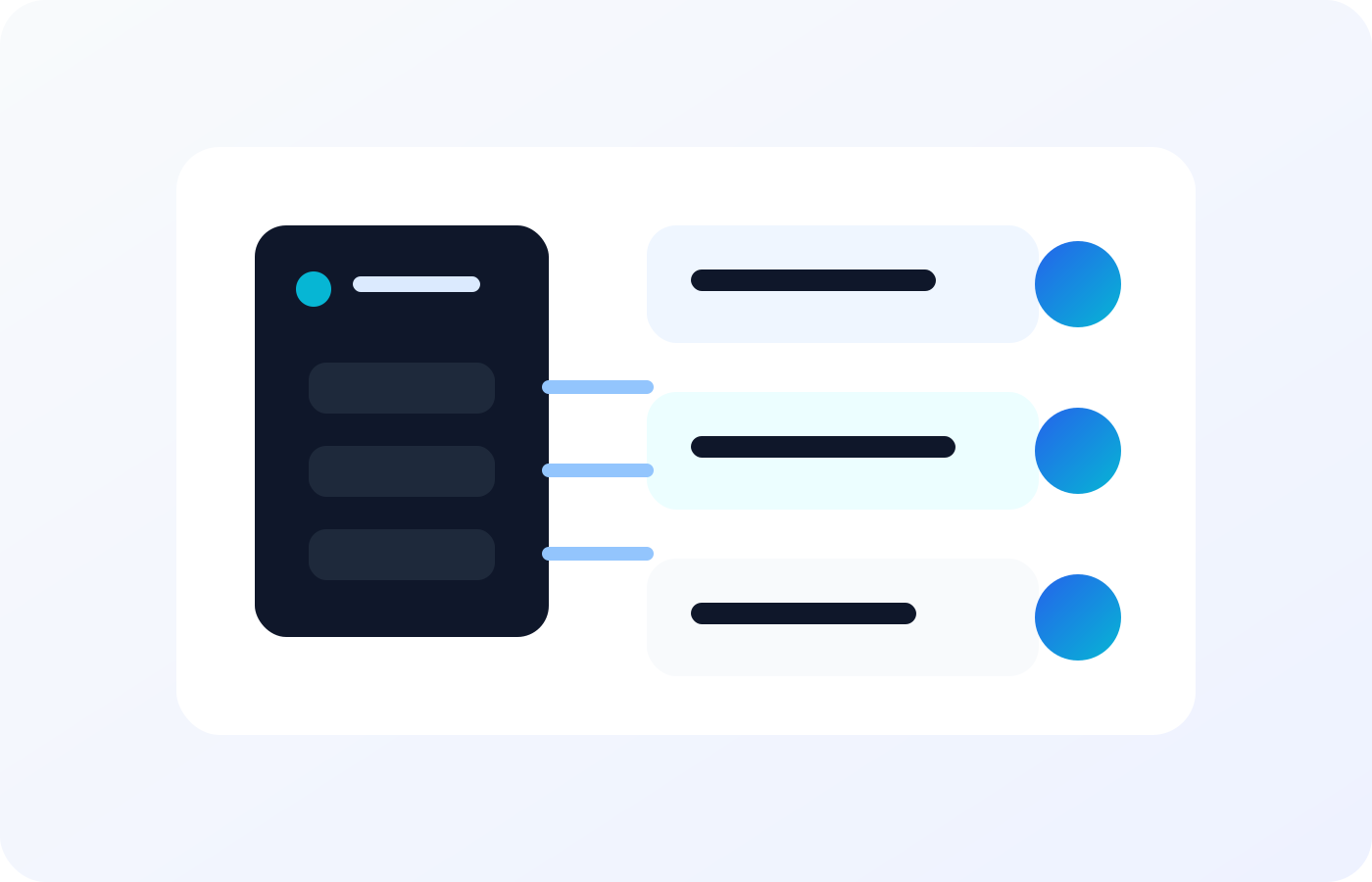
A business continuity vault for a website owner or self-employed person is an encrypted store of everything someone would need to manage, maintain, or responsibly hand over your online presence if you could not do it yourself.
It is not just credentials. It includes written instructions explaining what each service does and how to manage it. It includes renewal dates so nothing gets missed. It includes the contact details for technical support at each provider. And it includes a clear indication of what should happen in a genuine emergency: should the business be maintained by a trusted person, transferred to a partner, handed to a client, or wound down? These instructions guide whoever steps in, without them needing to make difficult decisions under pressure.
Williation is designed to store exactly this kind of information. You can add notes and instructions to every stored credential, organise everything by category, and designate specific contacts who should have access to specific sections. A business partner might get the domain and hosting credentials but not the personal banking details. A family member might get the banking information but not the technical server access. Granular permission controls mean everyone gets what they need and only what they need.
Setting Up Inactivity Alerts for Business Continuity
The automatic trigger mechanism is especially valuable for business owners. If you are incapacitated or die without warning, someone needs to know to act on your business assets quickly. Domain renewals, server payments, and client commitments do not wait.
Williation's Alive Check notifies your designated contacts automatically if you stop logging in. For a business vault, your emergency contact might be a business partner, a trusted senior employee, or a colleague who can step in and manage things. They do not need to guess when to act. The notification tells them.
For client-facing businesses, this notification should trigger a clear handover process. Your vault should include the names and contact details of every active client, a note on any outstanding commitments, and instructions on who to contact to arrange a transition. This is the kind of professional courtesy that protects your reputation and your clients even in the worst circumstances.
A Practical Checklist for Website Owners
- List every domain name you own and its renewal date
- List every hosting account with login credentials and payment details
- Document every server with IP address, access method, and credentials
- List every third-party service your site depends on
- Write clear instructions for each asset explaining what it is and what to do with it
- Note the contact details for technical support at every provider
- Store everything in an encrypted vault with emergency access for a trusted contact
- Set up an inactivity alert so that contact is notified automatically if needed
- Review the vault every time you add a new service or change a credential
- Check domain renewal dates quarterly and make sure payment methods on file are current
For guidance on the personal side of digital legacy planning, which complements this business continuity planning, read our article on how to prepare a digital legacy. And for an overview of the inactivity alert system that makes all of this automatic, see our article on dead man switch for passwords.
Useful External Resources
Protect Your Online Business Assets
Store domain credentials, hosting access, and business continuity instructions in an encrypted vault with automatic family and colleague notifications.
Start your secure vault