
Passwords are usually something we think about for our own convenience. We want to be able to log in quickly, not get locked out, and keep our accounts safe from strangers. What we rarely think about is whether our family could get into our accounts if they suddenly needed to. Not to snoop, but to pay a bill, manage an insurance claim, access a bank account, or find an important document stored online.
The challenge is a real tension between two legitimate needs. Everyday security requires that passwords stay private and hard to guess. Family emergency access requires that the right people can get in when it genuinely matters. Most people have solved one of these problems. Almost nobody has solved both at the same time.
This article walks through the common approaches people try, why most of them fall short in a real emergency, and what actually works.
Why the Common Approaches Do Not Work Well Enough
Writing Passwords in a Notebook
A physical notebook is better than nothing. If it is hidden somewhere sensible and your family knows where it is, they have a fighting chance in an emergency. But notebooks have serious drawbacks as a long-term solution.
First, they go out of date. Every time you change a password, you either update the notebook or it becomes inaccurate. Most people do not update it consistently. Second, they can be found by the wrong people. A notebook of passwords sitting in a drawer is a significant security risk if the wrong person comes across it. Third, they do not solve the 2FA problem. Even with the right password, your family may be blocked by a two-factor authentication code they cannot receive.
A notebook is a reasonable backup for a handful of the most critical accounts, kept somewhere secure. It is not a complete solution.
Telling a Family Member Your Passwords Verbally
This feels like a simple, trusting solution. Just tell your spouse or your adult child what the important passwords are. But it creates more problems than it solves.
Passwords change. The password you shared six months ago may have been updated since then. Under the stress of an emergency, people do not always remember things precisely. And sharing passwords verbally puts the burden of remembering on someone else who has their own life to manage.
There is also the account inventory problem. Telling someone a few passwords does not tell them which accounts exist, what each one is for, or what to do with them in a crisis. A password without context is only half useful.
Storing Passwords in a Shared Spreadsheet
A shared Google Sheet or an Excel file sent by email might seem convenient. The family can see it, you can update it. But an unencrypted spreadsheet is one of the riskiest places to store passwords.
Google Drive, OneDrive, and other cloud storage platforms are not end-to-end encrypted by default. The platform provider can technically access your files. If your account is breached, a spreadsheet of passwords is a gold mine for an attacker. And if the spreadsheet is shared by email, it may be sitting in multiple inboxes in plain text.
The National Cyber Security Centre's guidance on passwords is clear that passwords should never be stored in plain text documents. This applies to spreadsheets just as much as sticky notes.
Using a Standard Password Manager and Hoping for the Best
Tools like Bitwarden, 1Password, and LastPass are excellent for personal use. They generate strong passwords, store them securely, and sync across devices. But most of them were not designed with family emergency access as a core feature.
The emergency access features that do exist, such as the emergency access request in Bitwarden, typically assume the account holder is alive and can approve or deny the request. They are not designed for the scenario where the account holder is gone or unconscious. The waiting periods are usually short by default, and the system can be rejected by the account holder, which is the right design for everyday security but the wrong design for genuine emergencies.
A standard password manager solves your daily password problem. It does not solve your family's emergency access problem.
What Good Emergency Password Storage Actually Looks Like
Good emergency password storage separates two different jobs and uses the right tool for each one.
The first job is daily convenience. For this, a standard password manager is exactly right. Use Bitwarden, 1Password, or whichever tool you prefer for your everyday logins. It handles autofill, generates strong passwords, and keeps things easy for you in normal life.
The second job is family emergency access. For this, you need a dedicated vault designed specifically for the scenario where you are not there to help. The contents are different, the access controls are different, and the trigger mechanism is different.
What Goes in the Emergency Vault
Not every account needs to go here. Focus on the ones your family would actually need access to in a crisis. Think about what would cause the most immediate practical problems if it were locked away.
- Your primary email account, including the password and any 2FA recovery codes
- Online banking credentials for all accounts, with sort codes and account numbers
- Insurance portal logins, with policy numbers and provider phone numbers
- Government service accounts such as HMRC, pension services, and benefits portals
- Utility account details for electricity, gas, water, and broadband
- Healthcare portal logins and any repeat prescription information
- Mortgage or rental account details and landlord or lender contact information
- Subscription services with notes on which card they charge and how to cancel
- Cryptocurrency wallet details and seed phrases if applicable
- Domain registrar and hosting panel credentials if you own websites
Alongside each credential, write a short note. What is this account for? What should your family do with it? Is there a recurring payment attached? Is there a specific person to contact? A password with context is far more useful than a password alone.
The 2FA Recovery Code Problem
Two-factor authentication is one of the most common reasons families get locked out. Even with the correct password, they cannot get past the verification step if they do not have access to the authentication method.
The fix is to store 2FA recovery codes alongside the account credentials. Recovery codes are generated when you set up 2FA on most platforms. They are one-time-use backup codes that bypass the normal verification process. Most platforms give you ten codes and suggest you print them or store them somewhere safe.
Very few people actually save them. If you set up 2FA on your email account but never noted the recovery codes, go back into your account security settings and regenerate them now. Then store them in your emergency vault alongside the account password.
Encryption Is Not Optional
Whatever storage method you use for family emergency passwords, it must be encrypted. This is not negotiable. Storing passwords anywhere that is not encrypted is a security risk, full stop.
Encryption means the data is scrambled in a way that makes it unreadable without the correct decryption key. Even if someone gained access to the file or service where your passwords are stored, they would see meaningless characters rather than usable credentials.
End-to-end encryption is the gold standard. This means the data is encrypted on your device before it is transmitted anywhere, and can only be decrypted by authorised recipients. The platform storing your data cannot read it. This is the level of protection Williation uses, and it is the same standard used by financial institutions and government agencies.
Controlled Access: Who Gets What
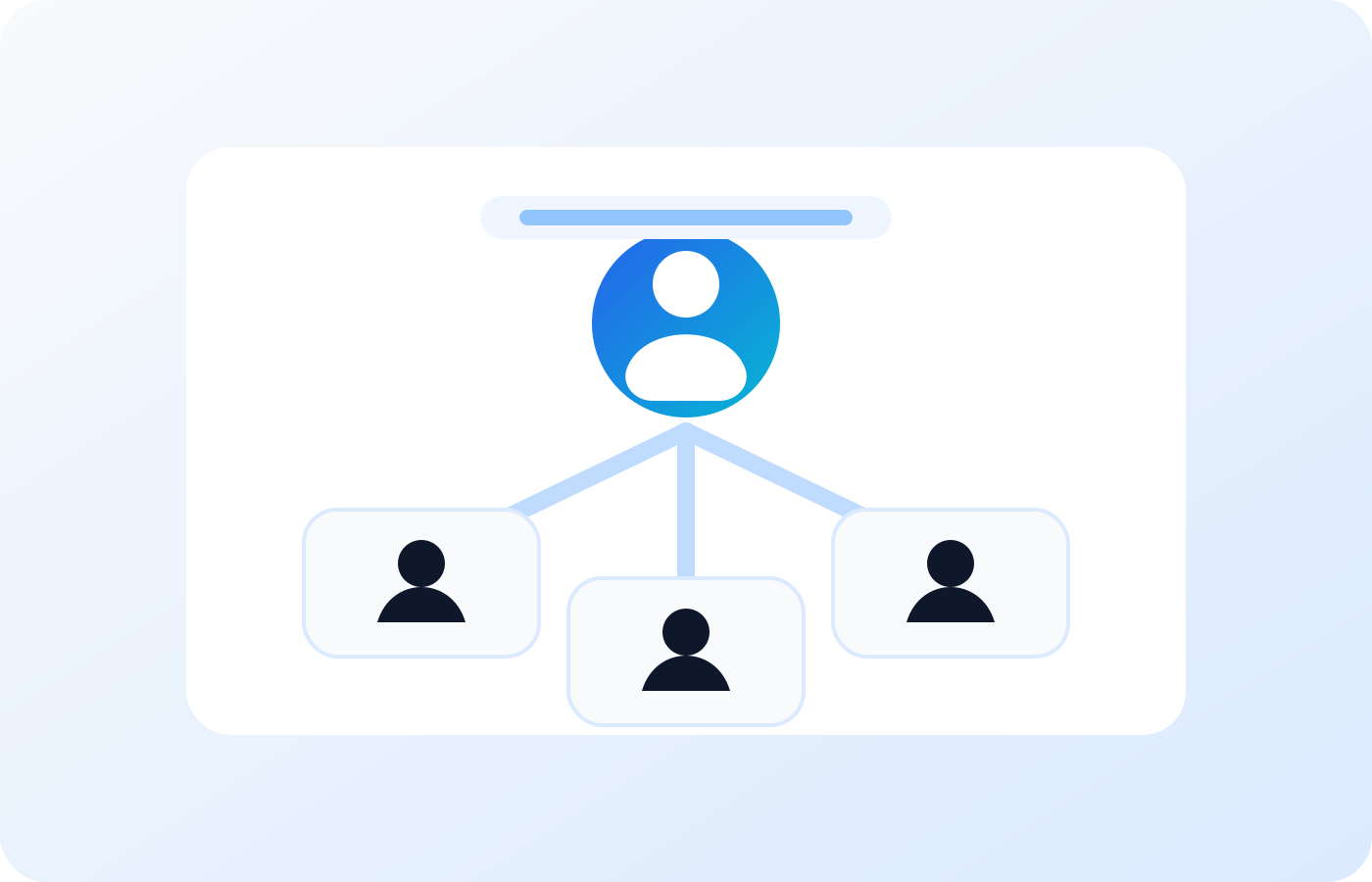
One of the most important features of a proper emergency vault is granular access control. Different people in your life need different levels of access, and a good system lets you reflect that.
Your spouse or partner might need immediate, full access to everything. An adult child might need access after a short delay. A solicitor or executor might only need access to specific legal documents. A business partner might only need access to domain and hosting credentials.
Giving everyone the same level of access is both over-sharing and under-protecting. A well-designed vault lets you set permissions by person and by category, so each contact gets exactly what they need and nothing more.
The Trigger: Making Sure Access Happens at the Right Time
One thing that most emergency planning solutions miss entirely is the trigger mechanism. Your family needs a way to know when to access the vault, without having to make a judgment call under stress.
Williation solves this with an inactivity alert system called the Alive Check. You set a check-in period, anywhere from 30 to 90 days. Every time you log into your vault, the clock resets. If you stop logging in and miss the check-in window, Williation first sends you a reminder. If you still do not respond, your designated family contacts are automatically notified and given access.
This removes the hardest part of emergency access planning. Your family does not need to decide when it is appropriate to look. The system decides for them, based on objective criteria you set in advance.
Keeping It Up to Date
The most common reason emergency vaults fail is that they go out of date. You change a banking password and forget to update the vault. You switch insurance providers and the old login details are still there. You open a new investment account and never add it.
The fix is to make updating your vault a habit. Link it to password changes. Set a quarterly calendar reminder to review your vault and check that everything is current. Make it part of your annual financial review. It takes less than fifteen minutes and it means your family always has accurate information.
If you want to go further and build a complete family protection plan, read our guide on how to prepare a digital legacy. And to understand what a full emergency plan should cover, see our article on what to include in a digital emergency plan.
Useful External Resources
Set Up Your Family Emergency Vault
Store credentials, recovery codes, and documents in an encrypted vault your family can access automatically when they need it.
Start your secure vault